Quick Fix: SBS Essentials Client Backup – Drive Offline?
February 17, 2012 Leave a comment
 I recently added my Laptop to my Essentials server, so it would be backed up.
At the time i had 2 partitions a C and a D partition. Whilst reconfiguring my laptop to dual boot Windows 2008 R2 I decided, following a conversation with Tim Barrett, to boot the Windows 2008 install from a VHD, rather than a partition. So i decided to remove that D partition.
After doing this, the Backups kept failing.
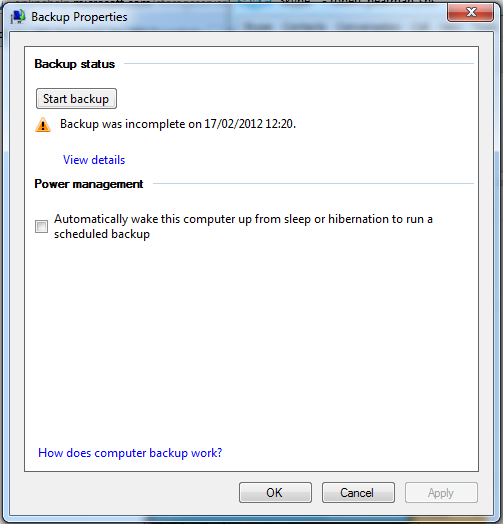
Although the error was helpful enough ‘Cannot Find D:\’ it didn’t actually tell me what to do, instead sent me to the Microsoft support page.
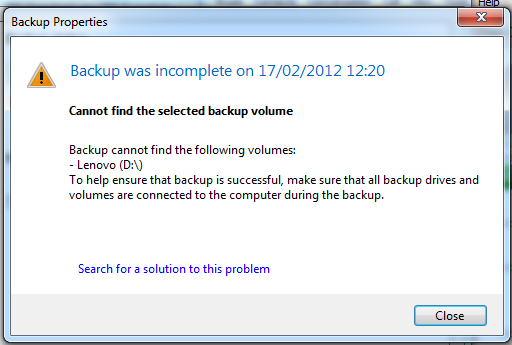
I know a lot of people will simply ignore that, but i was thinking, well ok, the drive is gone, so how do i configure the backup to not try to back it up?
Simple – through the dashboard.
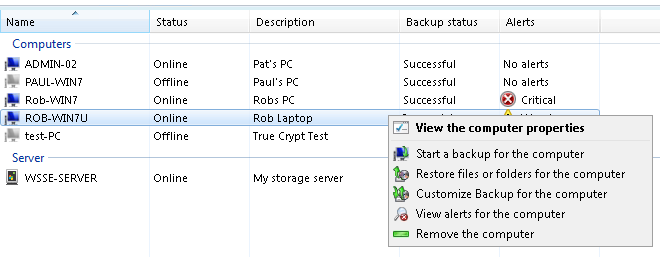
Go to the Computers and Backup tab, select your Computer and click Customise backup for Computer.
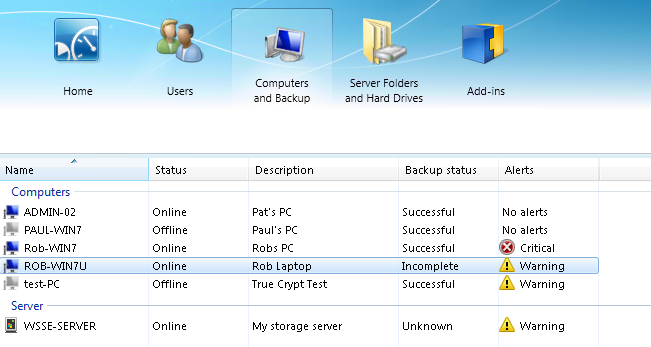
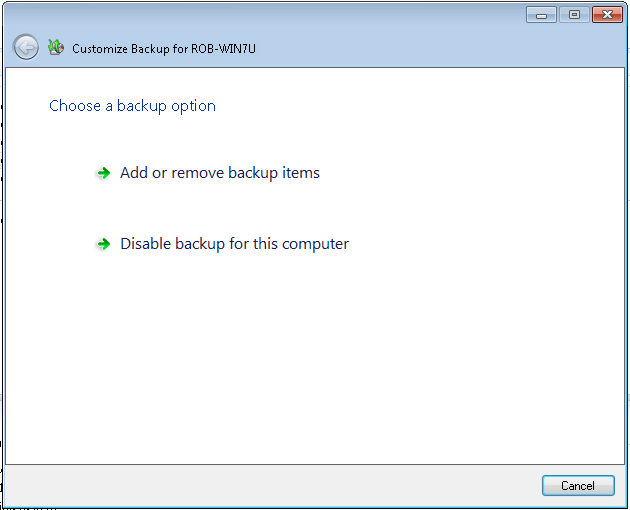
Select Add or Remove backup items.
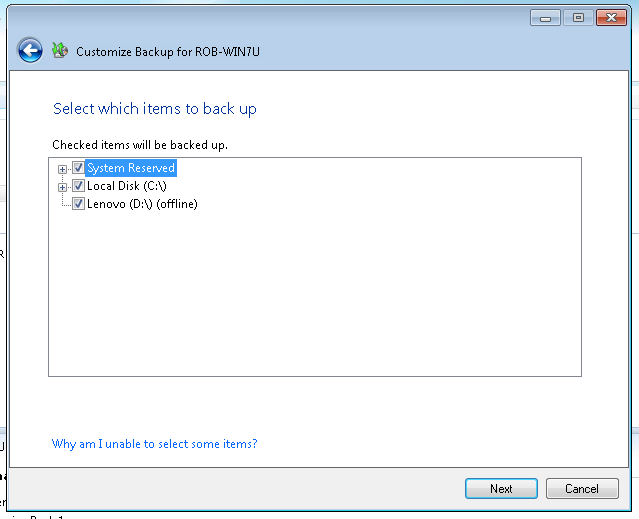
Then deselect what you don’t want to backup. In this case, the D:\
Click next to save, confirm your changes from the summary page, and click Save Changes.
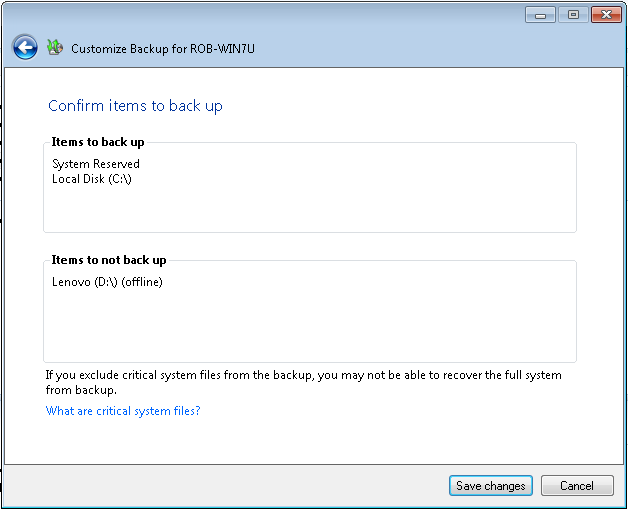

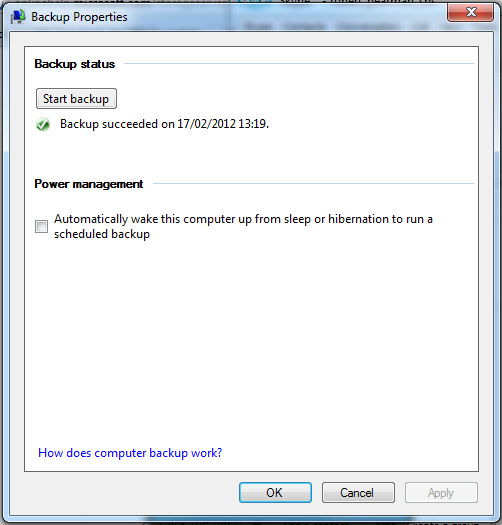
Backups should now complete.
These steps will also apply to Windows Storage Server 2008 R2 Essentials, and Windows Home Server 2011
 About Robert Pearman


 Title (Required)