Exchange Subscription Edition installation fails, GUID “3f965b9c-f167-4b4a-936c-b8efb19c4784”
November 7, 2025 Leave a comment
So, you’re in the middle of installing Exchange Subscription Edition (or any Cumulative Update), the installation fails and you see the following error.
Didn’t find the Exchange group that has the GUID “3f965b9c-f167-4b4a-936c-b8efb19c4784”. This group is created during setup, but it has been deleted.
Error:
The following error was generated when "$error.Clear();
          $connectors = Get-ReceiveConnector -Server $RoleFqdnOrName;
          foreach($connector in $connectors)
          {
            Write-ExchangeSetupLog -Info "MaxLocalHopCount for '$connector.Identity' is '$connector.MaxLocalHopCount'";
            if($connector.MaxLocalHopCount -gt 1)
            {
              Set-ReceiveConnector -Identity $connector.Identity -MaxLocalHopCount 5;
            }
          }
          $connectors | Set-ReceiveConnector -SmtpUtf8Enabled $true;
        " was run: "Microsoft.Exchange.Data.Directory.SystemConfiguration.ErrorExchangeGroupNotFoundException: Didn't find the Exchange group that has the GUID "3f965b9c-f167-4b4a-936c-b8efb19c4784". This group is created during setup, but it has been deleted.
   at Microsoft.Exchange.Configuration.Tasks.Task.ThrowError(Exception exception, ErrorCategory errorCategory, Object target, String helpUrl)
   at Microsoft.Exchange.Configuration.Tasks.Task.WriteError(Exception exception, ErrorCategory category, Object target)
   at Microsoft.Exchange.Management.SystemConfigurationTasks.GetReceiveConnector.WriteResult(IConfigurable dataObject)
   at Microsoft.Exchange.Configuration.Tasks.GetTaskBase`1.WriteResult[T](IEnumerable`1 dataObjects)
   at Microsoft.Exchange.Configuration.Tasks.GetTaskBase`1.InternalProcessRecord()
   at Microsoft.Exchange.Configuration.Tasks.GetObjectWithIdentityTaskBase`2.InternalProcessRecord()
   at Microsoft.Exchange.Configuration.Tasks.Task.<ProcessRecord>b__91_1()
   at Microsoft.Exchange.Configuration.Tasks.Task.InvokeRetryableFunc(String funcName, Action func, Boolean terminatePipelineIfFailed)".
After you dust yourself off, you wonder what is going on and who deleted what group.
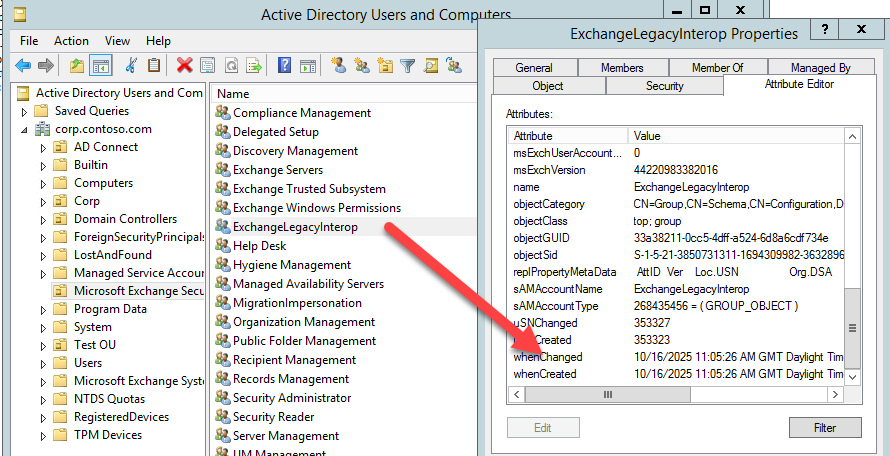
To save you some trouble, this group is the ExchangeLegacyInterop group.

You should find that group in the Microsoft Exchange Security Groups OU. If you take a look at the description, you will see some important information.

That’s right, Microsoft even say in the description of the group, it should not be deleted.
You may also notice that in Exchange Admin Centre, or PowerShell, you can not retrieve information about Receive Connectors.

So the good news is, restoring the group will solve the problem. The bad news is, this may be more difficult depending on when it was deleted and if you have the AD Recycle Bin enabled.
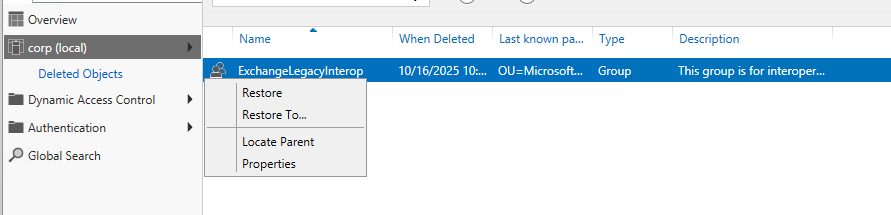
Using the Recycle Bin, choosing ‘Restore’ will automatically put the object back into the correct OU.
If it is not present, or the Recycle Bin is not enabled, you have more work to do.
First off, you may see, or think, that just running Exchange Setup with the /PrepareAD switch will solve the problem, and you would be correct, however if the Group was deleted, but no cleanup was done, the command will fail as the deleted group is still referenced in an attribute buried in Active Directory.
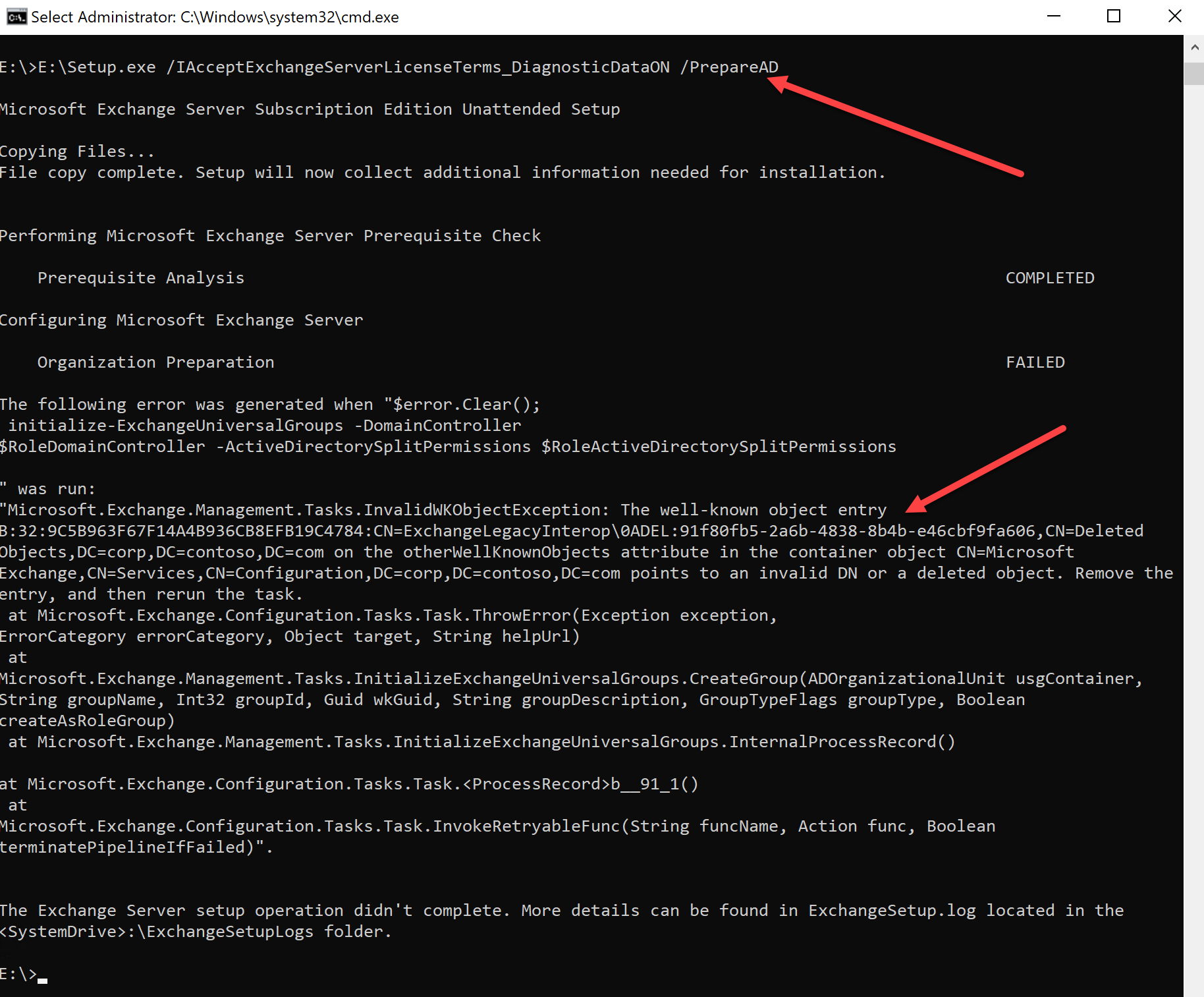
You will need to dig into LDP.exe for this, so buckle up.
If you have never used it, or, havent used it since the chimes of Windows 2000 were heard ringing out, you can be forgiven for not knowing how to navigate it, and be warned, you can seriously mess things up.
This is worse than being trigger happy in ADSIEdit, so, you will be rewarded for patience and ensuring you have a System State backup of a Domain Controller before you begin.
On a DC open LDP.exe
Click Connection, then click Connect.
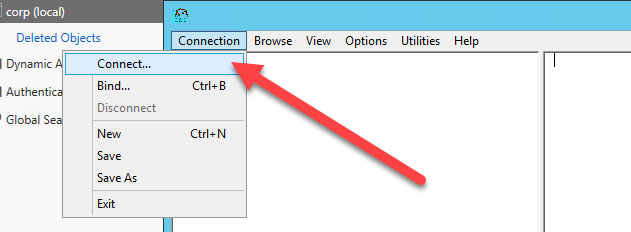
If not already populated, enter the name of a domain controller and click ok.
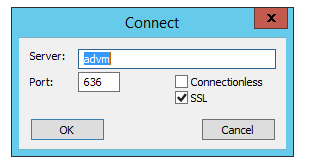
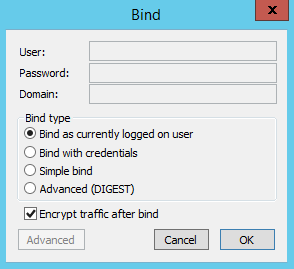
Click Connection, then click Bind then click ok – you will connect using your logged in user credentials.

Click View, Tree.

In the path box, select Configuration.

In the tree view, navigate to Services, Microsoft Exchange.
In the details pane note the attribute named ‘otherWellKnownObjects’ and youll see the deleted object.

We now need to remove that.
I recommend you select the text in the details pane, between the guid and the end of the DN. Paste into Notepad and flatten it out to a single line of text.


Right click Microsoft Exchange, click Modify.
In the edit attribute box, enter ‘otherWellKnownObjects’ and in the Values box, enter the selected text.
Select the Delete radio button, then click Enter, the value goes into the Entry List, then click on Run.

Note, if you have selected incorrect text, or typed it in incorrectly, you will get a message saying ‘attribute not found’.

If the command was a success you will see in the details pane.

Now you can go back to your Exchange Setup, run the /PrepareAD switch and you will see the command completes and the ExchangeLegacyInterop group has been recreated.

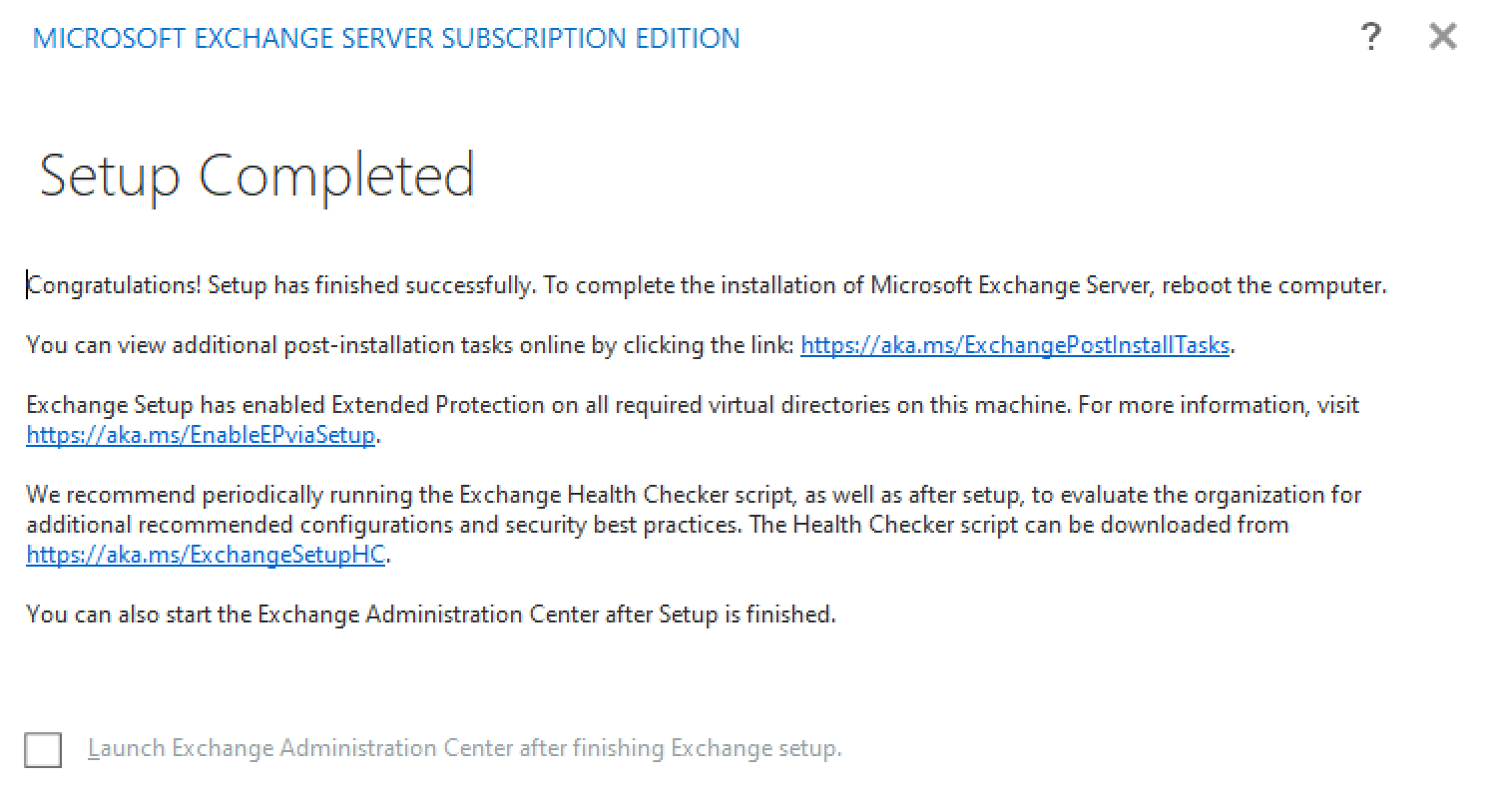
Now you can go ahead and enjoy the sunlit uplands of Exchange Subscription Edition.
 About Robert Pearman


 Title (Required)